
Editing and AI Rules in Photo Competitions: How to Check Your Eligibility
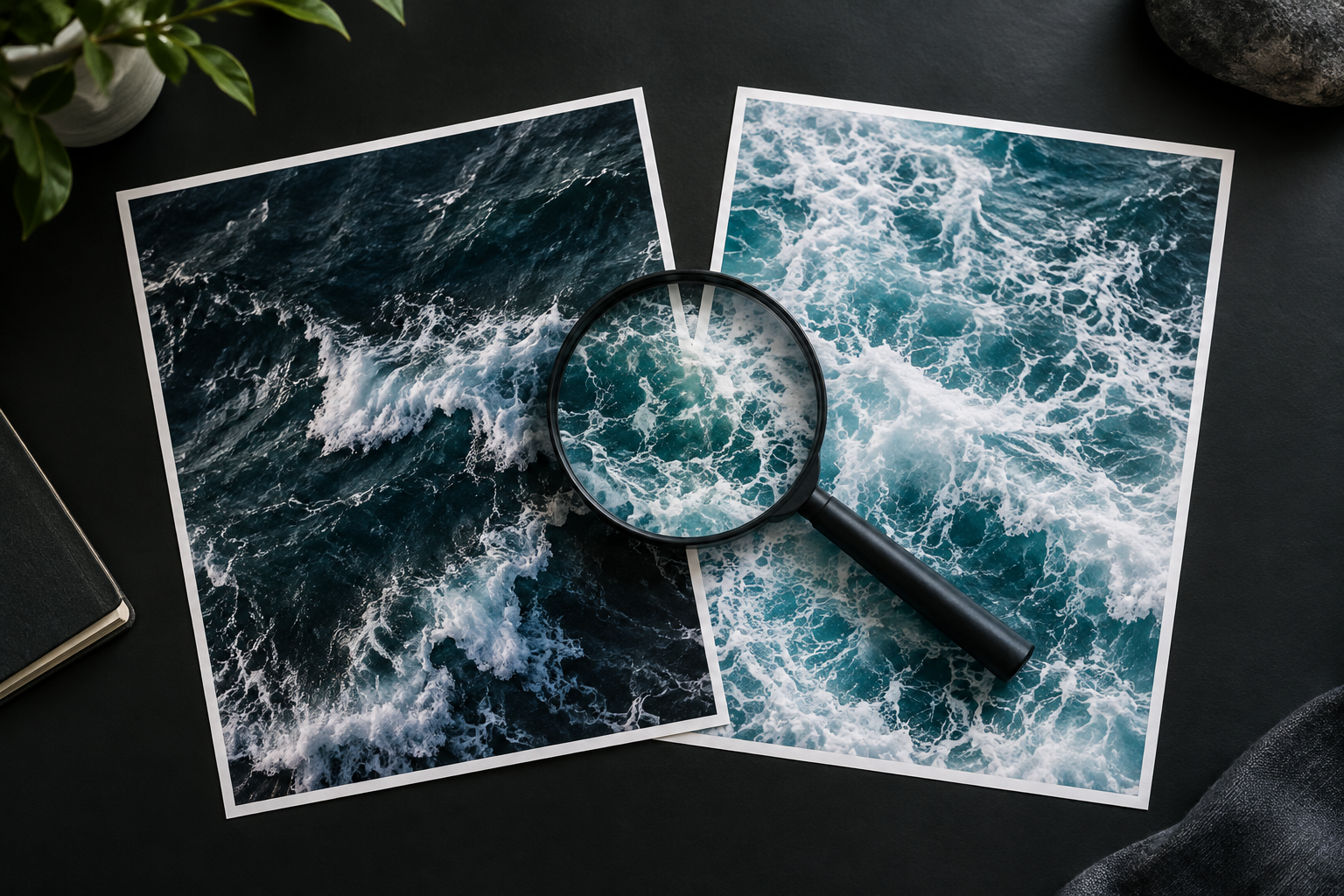
Editing and AI Rules in Photo Competitions: How to Check Your Eligibility
To check whether your photograph is eligible, compare every significant editing step with the current rules for the specific competition, category and edition you intend to enter. Do not treat “AI editing allowed” or “AI images prohibited” as a complete answer. Separate adjustments to captured material, combinations of photographs and generated content, then check what must be disclosed and what evidence you may need to retain.
This guide offers a practical review method, not an eligibility ruling for any particular event. When wording is unclear, seek written clarification before submitting rather than assuming that an edit is acceptable because it looks natural.
Start with the rules, not the finished appearance
When reviewing an image, ask whether any background was generated and whether any stylisation came solely from adjustments to a single exposure. For your eligibility review, document how the image was made rather than relying on how photographic it appears.
Begin with the official entry information for your intended event. If you are researching this site, consider starting your search at the site’s main page, then look for the applicable entry terms and category instructions. Do not interpret a homepage summary as permission for a particular editing technique.
Build your review around three questions:
- What source material did you capture yourself?
- What did your workflow alter, combine, remove or generate?
- What does the relevant rule expressly permit, prohibit or leave unclear?
Keep those questions separate. Check ownership requirements and editing restrictions independently. Likewise, verify both whether a technique is permitted and how you should describe it in your declaration.
Classify your editing workflow before judging it
The following distinctions are working labels for organising your review. They are not official definitions that override an organiser’s wording.
Routine adjustments to captured material
Start by listing changes such as cropping, exposure, white balance, contrast, colour grading, sharpening and noise reduction. Record local adjustments separately from global ones so you can explain what changed in a particular area.
Do not label this entire group “safe.” Instead, look for explicit limits concerning tonal changes, cropping, retouching or the integrity of the depicted scene. If the rules distinguish basic from extensive adjustments, compare your actual settings and editing steps with that distinction.
Removal, replacement and reconstruction
Make a separate entry for anything deleted, replaced or reconstructed: a distracting person, a sign, a damaged edge, a reflection or part of a subject’s face.
Describe the operation precisely. “Cleaned up the background” is less useful than “removed a pedestrian using content-aware fill.” Record whether replacement material came from another area of your photograph, another photograph or a generative operation.
Compositing and multiple captures
For this review, treat compositing as combining visual material from separate captures into one finished image. List panoramas, exposure blends, focus stacks and creative montages individually rather than assuming that one rule covers them all.
For each combination, record the number and origin of the source images, the capture circumstances and the purpose of the blend. Then check whether the category distinguishes technical blending from assembling a new scene.
Generative edits
Flag operations that create or replace visual content through generation: an extended canvas, a new sky, added scenery or a reconstructed object, for example.
Record the exact feature and its role. Avoid using “AI” as the only description. “Generated additional background beyond the original frame” gives the organiser a specific action to assess; “used AI” leaves the important detail unresolved.
Use a comparison table to organise your questions
Use this table as a worksheet, not as a universal permission chart. The final column identifies questions to resolve against the actual entry terms.
| Workflow element | What to record | Wording to look for | Question to resolve |
|---|---|---|---|
| Exposure and colour | Global and local adjustments | Basic adjustments, colour changes, tonal integrity | Are local or extensive changes restricted? |
| Noise reduction and sharpening | Feature, settings and affected areas | Enhancement, AI assistance, detail alteration | Does the rule address this specific operation? |
| Object removal | Removed element and replacement method | Retouching, removal, scene alteration | Does removing this element exceed the permitted scope? |
| Panorama or focus stack | Source frames and capture sequence | Stitching, stacking, multiple exposures | Is this form of multi-frame assembly permitted? |
| Exposure blending | Frames used and blending purpose | HDR, blending, single capture | Must the entry derive from one exposure? |
| Creative composite | Each source image and its contribution | Montage, composite, altered reality | Is there a suitable category for the assembled scene? |
| Generative fill or expansion | Generated region and feature used | Generated content, synthesis, AI restrictions | Is the operation prohibited or subject to disclosure? |
| Export and resizing | Dimensions and processing steps | File specifications, interpolation, upscaling | Does the delivery method introduce another restricted operation? |
Where a term remains undefined, mark it “unresolved.” Do not silently convert the absence of a definition into approval.
A step-by-step eligibility review
Step 1: Identify the exact entry route
Write down the competition edition, category, intended image and submission deadline shown in the applicable materials. Save a dated copy of the rules you are reviewing, including any linked editing policy or declaration.
Read category-specific instructions alongside the general terms. If two passages appear inconsistent, ask which applies rather than choosing the more convenient interpretation.
Step 2: Create an editing inventory
Work from your original file to your proposed submission. List meaningful operations in sequence, including edits made on a phone, in a plug-in or during export.
A useful inventory might read:
- Cropped the original frame.
- Adjusted exposure and white balance.
- Applied local contrast to the subject.
- Removed a background sign with a replacement tool.
- Resized the final export.
Add the application and feature names where relevant. If you cannot reconstruct an operation, flag that uncertainty instead of guessing.
Step 3: Match each operation to a rule
Create three review statuses: expressly permitted, expressly prohibited and unresolved. Beside each operation, copy the relevant rule wording into your private worksheet and note its location.
Avoid broad shortcuts. Check sky replacement separately from colour correction, and generated elements separately from photographic composites. Look for wording addressing each operation rather than extending one permission to another technique.
Step 4: Check the declaration requirements
Look for questions about editing, AI assistance, source images, captions and authorship. Draft your response before completing the submission form so you can check it against your inventory.
Use process-based language. For example: “Three photographs captured by me were blended for depth of field; no objects were added or removed.” Treat this as an illustrative wording pattern, not a declaration to copy regardless of your workflow.
Step 5: Resolve ambiguity in writing
Send a focused question identifying the category, the proposed operation and the relevant rule. Include enough detail to distinguish your case from a generic question about AI.
For example: “I used a generative expansion feature to create additional background outside my original frame. Is that operation permitted in this category, and where should I disclose it?”
If the reply addresses only part of your question, follow up. Keep the response with your entry records without treating it as permission for unrelated techniques.
Step 6: Review the actual export
Open the final submission file and compare it with your inventory. Check that you have not selected an older version containing an edit you intended to remove.
Review the caption and declaration alongside the file. If an unresolved operation remains, consider using a different version, selecting another suitable category or postponing entry until you have clarification.
Keep a proportionate evidence folder
Prepare a record of your workflow rather than trying to recreate it after a question arises. Consider keeping:
- Original capture files in their available format.
- Source frames used for blending or compositing.
- A layered file or editing history, where available.
- A short account of removal, replacement and generation steps.
- The final submitted file and declaration.
- The rules reviewed and relevant organiser correspondence.
Do not assume that this folder satisfies a particular verification process. Check whether the organiser specifies original files, capture sequences, file formats or other material.
Keep a distinction between evidence and conclusions. Pair your original file with an account of subsequent edits, and review those edits against the applicable terms. If you retain screenshots of feature names, also explain what you used each feature to do.
For future work, consider naming versions by their editing scope: “tonal adjustments,” “object removed” or “generated extension.” This gives you a practical way to distinguish candidate versions during your own review.
Separate artistic fit from technical eligibility
Treat creative suitability and compliance as two different decisions. First, consider whether the work fits the theme and visual direction. Then check whether its production method meets the entry terms.
For a separate creative-fit review, consider reading the About page and the manifesto. Examine any artistic language independently of the entry requirements; do not treat it as permission for an editing technique.
This distinction matters when evaluating an experimental image. Rather than assuming that an emphasis on creativity permits any process, ask whether the relevant category expressly accommodates your workflow. Equally, do not abandon an image solely because it is visually unconventional; examine the actual requirements first.
If your intended technique remains unclear under the rules, consider choosing an entry route with explicit provisions rather than stretching an ambiguous phrase.
Three fictional cases to practise the method
The following examples are invented. They illustrate review decisions, not the policies of any named competition.
Case 1: A portrait with a removed background object
Maya adjusts exposure and colour in a portrait, then removes a fire extinguisher using generative fill. She initially describes the work as “lightly edited.”
Her review should separate tonal work from object removal and generation. She should check all three against the category terms. If removal or generated content is prohibited, she could consider a version retaining the extinguisher. If the wording is unclear, her question should identify both the removed object and the replacement method.
Case 2: A landscape assembled from several frames
Daniel combines exposures for a landscape and stitches additional frames into a wider view. He adds no separately photographed objects and uses no generative feature.
His review still needs two entries: exposure blending and panorama stitching. He should check whether the category requires a single exposure and whether either multi-frame technique is addressed. Rather than relying on “no AI used,” he should describe both assembly steps in his eligibility inquiry.
Case 3: An editorial-style image with an invented setting
Leila photographs a model, combines the portrait with another photograph she made and generates an architectural background. She wants to submit the result as an experimental image.
Her inventory should identify the captured portrait, the second photograph and the generated region. She should look for explicit treatment of composites and generated content. If permitted, her declaration should describe both operations; if not, artistic intent should not be treated as an exemption.
Common errors to examine before entering
Relying on the software label
Replace “edited in an AI app” or “edited in traditional software” with an operation-by-operation account. Check what happened to the image, not just which application was open.
Treating invisibility as permission
Do not use the natural appearance of an edit as your eligibility test. Compare the operation with the rule even when the alteration is difficult to notice.
Assuming disclosure cures a restriction
Review permission and disclosure separately. If a technique is prohibited, do not treat an accurate caption as an exception unless the terms expressly provide one.
Reusing an old interpretation
Review the current edition and category instead of relying on a previous entry. Keep prior correspondence as context, but ask whether it applies when the wording or workflow differs.
Overstating originality or minimal editing
Avoid descriptions such as “straight from camera” or “only basic adjustments” when your inventory contains additional steps. Prefer a concise, accurate process description over a reassuring but vague label.
FAQ
Does any use of AI make a photograph ineligible?
Do not make that determination from the label alone. Identify the exact feature, its effect on the image and the applicable rule. Ask for clarification if the policy does not distinguish your operation from other AI-assisted processes.
Is a composite acceptable if I photographed every element?
Check the category’s compositing and source-image requirements separately. Document which elements you captured, then look for explicit permission to combine them in the intended category. If the wording remains unclear, describe the proposed assembly in a question to the organiser.
What if the rules never mention my editing tool?
Search for descriptions of the operation, such as removal, replacement, synthesis, stacking or retouching. If those provisions do not resolve the issue, send the organiser a specific workflow question before entering.
What should I do if I cannot reconstruct my editing history?
Avoid inventing a declaration. Review available originals, project files and intermediate exports. Consider preparing a new version from a documented starting point, then assess that version against the rules before submission.

Comments are closed.